IPTV compatibility depends on your exact television or streaming device, its operating system, the application you want to use, and the account format supplied by your content service.
A television being “smart” does not mean it supports every IPTV player. Likewise, an application being available on your device does not confirm that it works with every subscription.
Before choosing a Xtreame IPTV offer, confirm your device model, player configuration, and account requirements with support.
This guide helps you identify your setup and understand what needs to be checked before subscribing.
Is My TV Compatible With IPTV?
Your television may support internet-delivered viewing through a native application or through an external streaming device.
There are two common arrangements:
| Setup | How it works |
|---|---|
| Application installed on the TV | The television runs a player or streaming-service application supported by its operating system |
| External streaming device | A compatible box or stick runs the application and sends its output to the television |
The best starting point is your model number and operating system—not the brand name alone.
Three Checks That Determine Compatibility
Before purchasing, establish:
- Device compatibility: can your device install and run the application?
- Account compatibility: does the application accept the account or playlist format supplied by your service?
- Playback compatibility: can the complete setup play the content formats and resolutions you intend to watch?
Passing one check does not automatically satisfy the others.
Smart TV and Streaming Device Compatibility Overview
The table below identifies what to investigate. It is not a list of devices with guaranteed Xtreame IPTV support.
| Device or platform | What to check |
|---|---|
| Samsung Smart TV | Exact model, software version, region, and available Tizen applications |
| LG Smart TV | Exact model, webOS version, region, and supported applications |
| Android TV | Player availability, operating-system requirements, and account-format support |
| Google TV | Application availability for the device and supported login options |
| Amazon Fire TV Stick | Exact model, Fire OS or Vega OS platform, and application compatibility |
| Other TV platforms | Native app availability and the developer’s device requirements |
| Older or non-smart TV | Suitable input connections and a compatible external streaming device |
If you are unsure which platform your television uses, check the device information in its settings or the manufacturer’s documentation.
IPTV on Samsung Smart TVs
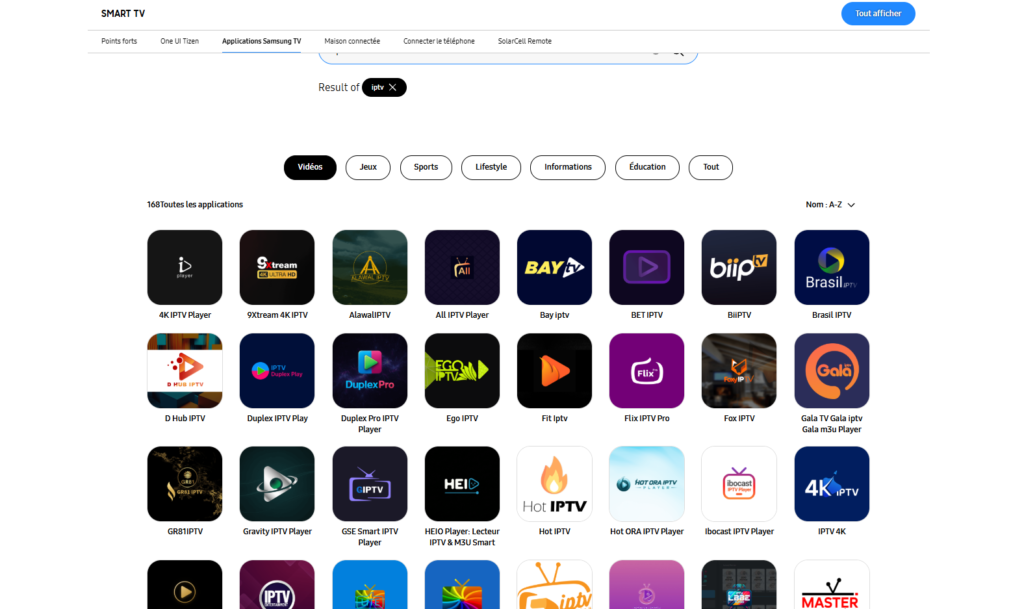
Samsung Smart TVs commonly use Tizen, but application support varies by model, software version, and region.
Do not assume that instructions for Android TV apply to a Samsung television. A player available as an Android APK does not establish native Tizen compatibility.
What to Check Before Installing
- The complete television model number.
- Its software version.
- Availability of your intended application in the TV’s app store.
- The application’s developer name.
- Supported account or playlist formats.
- Any player license or activation charge.
If you are considering Smarters Pro, verify the exact application and developer before installing. Similarly named players can have different features and purchase conditions.
Read the IPTV Smarters setup guide for account and installation information.
IPTV on LG Smart TVs
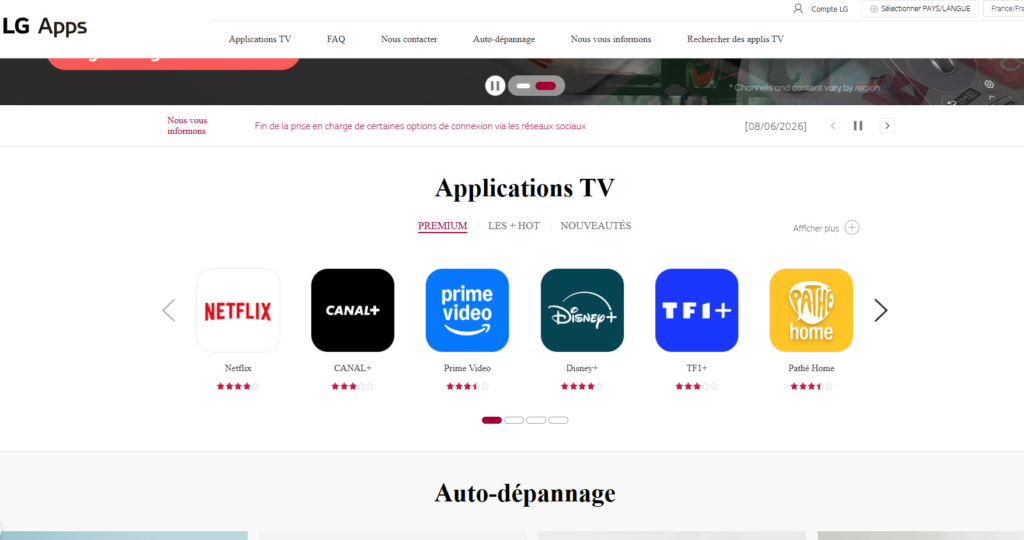
LG Smart TVs using webOS offer applications through LG’s supported app-store interface. Availability depends on the television and region.
A guide written for Android TV is not automatically suitable for an LG webOS television.
LG Compatibility Checklist
- Identify the television model and webOS version.
- Search the television’s app store for the intended player.
- Verify the developer and model requirements.
- Confirm the account formats the player accepts.
- Check any separate player charges.
- Ask your content provider whether the proposed configuration is supported.
If the intended application is unavailable, investigate another supported player or a compatible external streaming device.
IPTV on Android TV and Google TV
Android TV and Google TV devices can run applications offered for their supported platform. However, an app designed for an Android phone is not necessarily designed for television navigation.
Check the application listing on the actual device rather than relying only on a mobile-store search.
What Matters for TV Use?
Look for:
- Support for your device and operating-system version.
- Remote-friendly navigation.
- The account or playlist format you need.
- Programme-guide support, where guide data is supplied.
- The features included in the free or paid application version.
Review the Android IPTV setup guide for installation preparation.
Can I Use TiviMate?
TiviMate is a TV-oriented media player that requires your own content source. Its paid upgrade does not include television channels.
Confirm compatibility with your exact device and account configuration before paying for Premium.
Read the TiviMate guide to understand player features and subscription requirements.
IPTV on Amazon Fire TV Stick
Fire TV compatibility depends on the exact model and its operating system.
Fire OS and Vega OS devices do not support identical application installation methods. An Android APK-based tutorial should not be assumed to work on every Fire TV Stick.
Before choosing a player:
- Identify the device model and platform.
- Search the Amazon Appstore on that device.
- Check the application developer’s current requirements.
- Confirm the account format your service supplies.
- Review any installation warning rather than ignoring it.
See the Firestick IPTV setup guide for installation and troubleshooting information.
Can I Use IPTV on an Older or Non-Smart TV?
An external streaming device may provide the application interface that an older television lacks.
In that arrangement, the streaming device runs the application. The television displays the device’s output.
Before buying hardware, check:
- Available television inputs.
- The streaming device’s connection requirements.
- Power requirements.
- Supported output resolutions.
- Application compatibility on the streaming device.
- Any content-service requirements for protected playback.
Do not assume that the television needs its own IPTV application when a compatible external device runs the player.
Does Every Smart TV Support IPTV Smarters?
No single player is guaranteed to be available on every smart television.
Application availability can depend on the operating system, model, region, and exact application release.
The useful question is:
“Does this specific application support my television and accept the account format supplied for my subscription?”
Installing a similarly named player does not establish that it is the same application or that it has the same activation conditions.
What Account Formats Should I Check?
Your provider may supply account credentials, a playlist URL, or another supported access method.
Confirm the format before selecting a player.
| Account information | What to confirm |
|---|---|
| Xtream Codes credentials | Whether the application accepts the supplied server address, username, and password |
| M3U playlist URL or file | Whether the player supports that playlist format |
| Programme-guide information | Whether a separate guide source is required |
| Other access methods | Whether the exact player and device support the method |
Keep passwords and complete playlist URLs private.
Review the Xtream Codes setup guide if that format applies to your offer.
Does a 4K TV Guarantee 4K IPTV Playback?
No. A 4K television is only one part of the setup.
Playback also depends on:
- The resolution supplied by the content source.
- The application’s capabilities.
- The streaming device’s supported formats.
- The television and connection arrangement.
- Your network conditions.
- Any applicable content or service restrictions.
A player displaying a 4K label does not confirm that every channel is supplied in 4K.
Ask about the actual content and supported configuration rather than assuming that the television specification determines the package.
Does Installing a Player Include Channels?
No. A player and a viewing subscription are separate.
Installing an application or purchasing a player upgrade does not automatically supply a channel package.
Before paying, distinguish between:
- A player license.
- A content-service subscription.
- Any device-specific activation requirement.
Do not assume that a Xtreame IPTV subscription includes a paid player license unless the selected offer explicitly confirms it.
Can I Use One Subscription on Several TVs?
Confirm the offer’s simultaneous connection allowance.
Installing a player on several devices is not the same as being permitted to watch on all of them at once.
Ask support:
- How many simultaneous streams are allowed?
- Can the account be used on different devices at different times?
- Are there household, location, or network restrictions?
- Does recording or multiview require additional connections?
This page does not advertise unlimited or multi-TV simultaneous viewing.
What If My Preferred App Is Missing?
A missing application may reflect a compatibility or distribution limitation rather than a subscription problem.
Check:
- The exact television model and platform.
- The software version.
- The application’s regional availability.
- The developer’s supported-device information.
- Whether another supported player is available.
- Whether a compatible external streaming device is appropriate.
Avoid installing files intended for another operating system or using modified applications to bypass restrictions.
Why Does the App Install but Playback Fail?
Installation confirms only that the application can run. It does not prove that the account, content format, and package are compatible.
Check the symptom before changing your setup:
| Problem | First things to investigate |
|---|---|
| Login rejected | Server address, credentials, account status, and supported login format |
| Playlist loads but no channels play | Package access, connection allowance, network, and service availability |
| One channel fails | That specific stream and any applicable restriction |
| Programme guide missing | Supplied guide source, configuration, and time settings |
| App crashes | Application updates, device software, and available storage |
| Higher-resolution streams fail | Content format, device capability, and connection performance |
Report the exact error and whether it affects one item or all playback. Do not share passwords in public screenshots.
Check Compatibility Before Choosing Xtreame IPTV
For a compatibility inquiry, provide support with:
- Your television or streaming-device brand.
- The complete model number.
- The operating system and software version.
- The exact application name and version.
- Your country or region.
- The subscription period you are considering.
- Any recording, multiview, or multi-TV requirements.
Ask support to verify the complete configuration—not simply whether the brand is supported.
Contact Help & Support before purchasing if any part of your setup is unclear.
Explore Subscription and Trial Information
Once your proposed setup has been confirmed, review the offer details.
- IPTV trial and test information — check availability and actual trial conditions.
- Monthly IPTV subscription — review the one-month offer.
- IPTV plans and pricing — compare subscription periods.
- Subscribe to IPTV — explore purchase instructions.
- IPTV USA information — ask about location-specific availability.
Compatibility information is a starting point, not a guarantee of account support or included content. Confirm the device, player, package, connection allowance, and purchase conditions for your selected offer.
One Response